
NMAT 2026 Login: Direct Link @mba.com, How to Create Credentials, Recover User ID & Password


Content Curator | Updated On - Aug 12, 2026
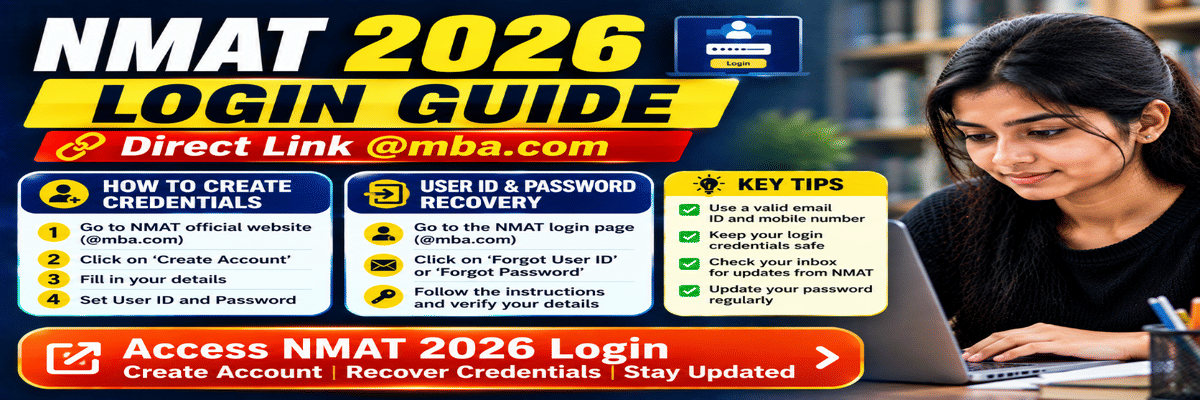
NMAT 2026 login page is available on the official website at mba.com/nmat. Login credentials for NMAT 2026 should be created while registering for the NMAT 2026 exam.
- NMAT login credentials include an email address and a password.
- To create login credentials for NMAT 2026, you will require your name and email ID.
- NMAT 2026 login credentials can be used to manage appointments, scores, access preparation resources, explore programs, and so on.
Key Summary
|
NMAT 2026 Login Direct Link
For NMAT 2026, candidates can log in to the NMAT portal via the official mba.com/exams/nmat website.
- The Login portal is accessible on the official website only.
- For login, a candidate needs an email address on which he or she has been registered on the portal, and a password.
- The login account will remain active through registration, examination, and even admission.
How to Create NMAT 2026 Login Credentials
Candidates must create an account before filling out the NMAT 2026 Application Form. During registration, applicants are required to provide basic personal details and create login credentials.
- Visit and click the official NMAT website https://www.mba.com/exams/nmat.
- Click on Register for NMAT 2026.
- Type your name, email address, mobile phone number, and other required information.
- Create a secure password.
- Verify your email address.
- Log in using the registered email ID and password.
- Complete the NMAT 2026 application form.
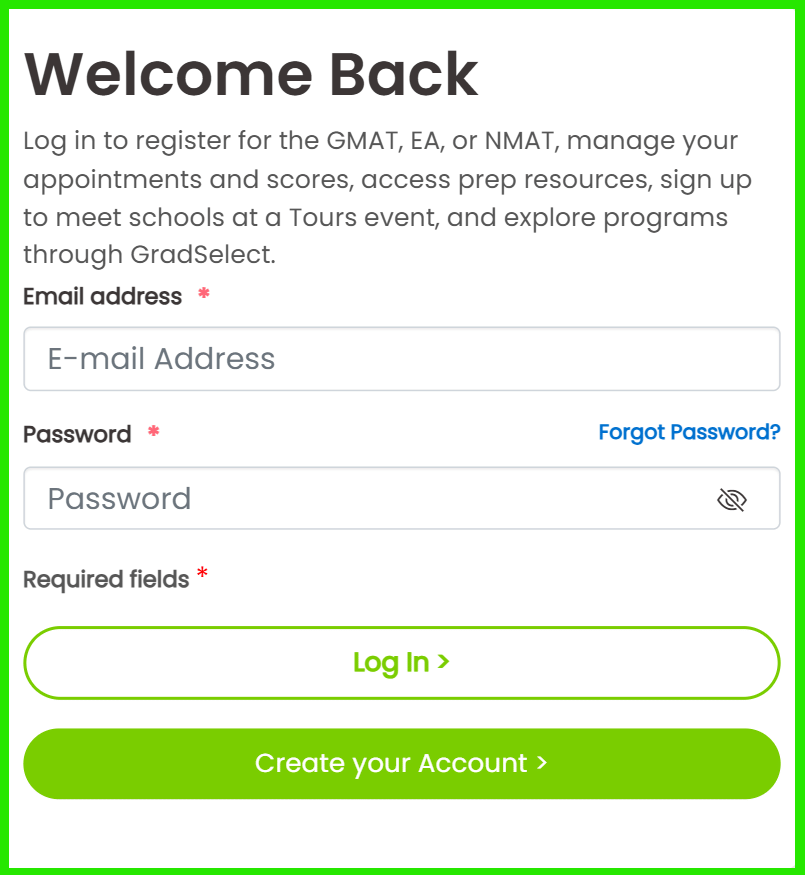
NMAT 2026 Login Dashboard
The NMAT 2026 Login Dashboard allows candidates to manage various stages of the admission process.
- Candidates can complete the application form, schedule the exam, and download the admit card through the dashboard.
- The dashboard also makes it easy to access payment history, profile management, and scorecard for NMAT.
- Candidates should continuously keep themselves aware of the changes and announcements made by the GMAC on a periodic basis.
| Feature | Purpose |
|---|---|
| Application Form | Filling out the application form |
| Profile Management | Update personal details |
| Exam Scheduling | Select exam date and slot |
| Admit Card | Download hall ticket |
| Scorecard | View NMAT score |
| Payment History | Check fee payment status |
How to Recover NMAT 2026 Password
Candidates who forget their password can reset it through the official login portal by clicking on the “Forgot Password” option and following the password recovery instructions.
- Visit the NMAT Login page.
- Click Forgot Password.
- Enter your registered email address.
- Complete the verification process.
- Click the password reset link received through email.
- Create a new password.
- Log in using the updated credentials.
Common NMAT 2026 Login Issues
Most NMAT 2026 Login problems happen due to wrong login details or browser problems.
- The candidates should check their registered e-mail ID and password before logging in.
- One can typically find the answers to login issues caused by a forgotten password or OTP through the official recovery methods.
- If the problem remains unresolved, the candidates are advised to call the NMAT Help Desk and get the help needed.
| Issue | Solution |
|---|---|
| Incorrect Password | Reset using the "Forgot Password Option |
| Incorrect Email ID | Verify the registration email |
| OTP Not Received | Wait and request a new OTP after some time |
| Website Loading Issue | Refresh the page or use another browser |
| Payment Not Updated | Wait for payment confirmation or contact support |
FAQs
Ques. From where can I get the official Login portal website of NMAT 2026?
Ans. The login portal of NMAT 2026 would be the official website of mba.com.
- This login portal will remain active during registration and admissions.
- Mention your registered email ID and password on the portal.
Ques. What credentials are required for NMAT 2026 Login?
Ans. For logging in to the NMAT portal, applicants have to provide their registered e-mail and password.
- These account details are shared for completing the registration process, printing admit cards, and securing scorecards.
- All candidates are advised not only to keep their login details in hand but also to save them up to the completion of the admission process
Ques. How can I recover my NMAT 2026 password?
Ans. By clicking on "Forgot Password" on the login page, the candidate gets the option of resetting their password.
- Enter the registered email address.
- Instructions sent by email should be followed to change the password of the account.
Ques. Can I change my registered email ID after creating the NMAT 2026 Login account?
Ans. Whether the registered email ID can be changed is subject to GMAC's official policy.
- Candidates are advised to use the valid and most frequently used email while filling in the form.
- If any such change/ correction is required, contact the official NMAT Help Desk.
*The article might have information for the previous academic years, please refer the official website of the exam.